News

Enter the 7th Ikimon Coloring Contest!

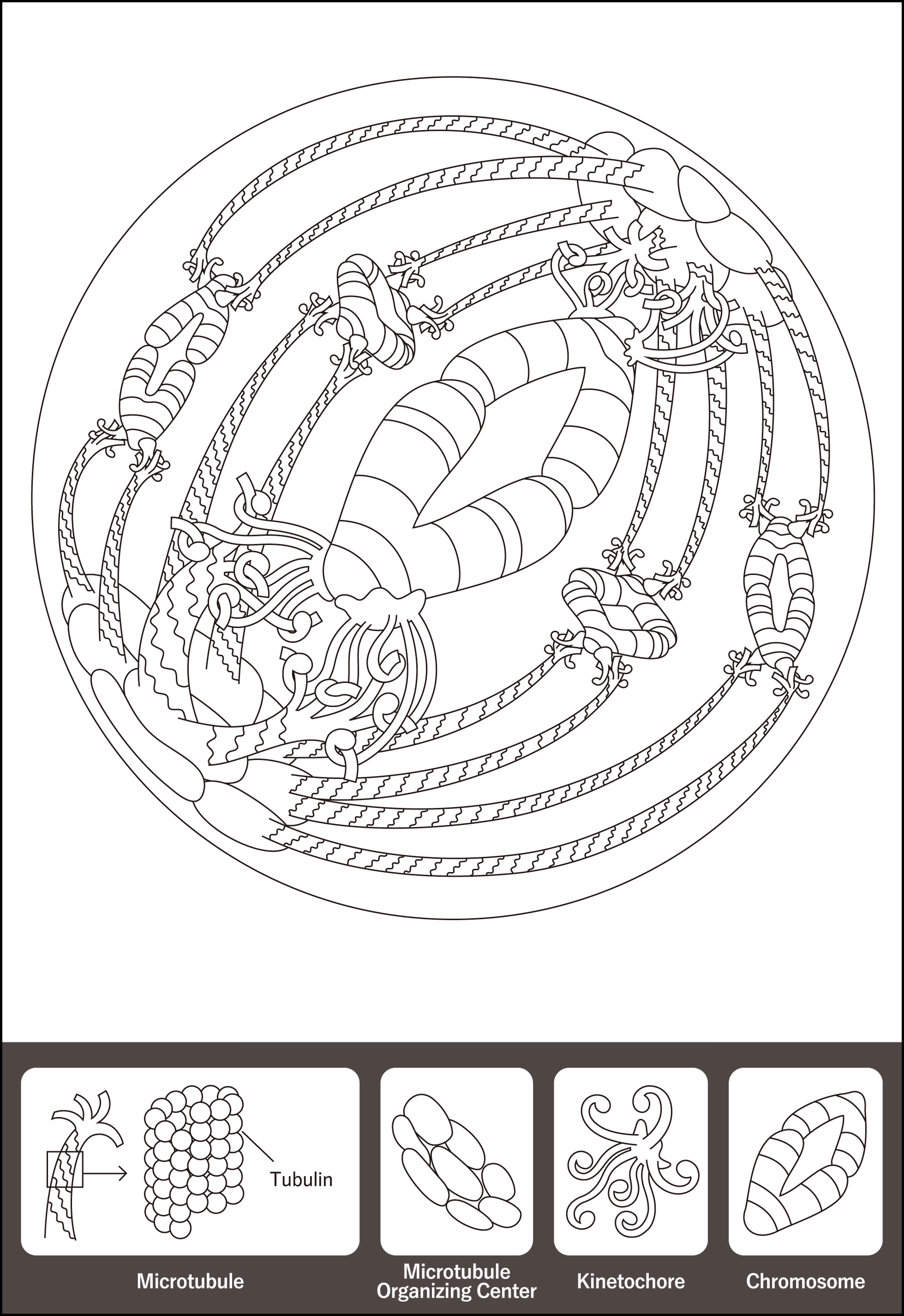
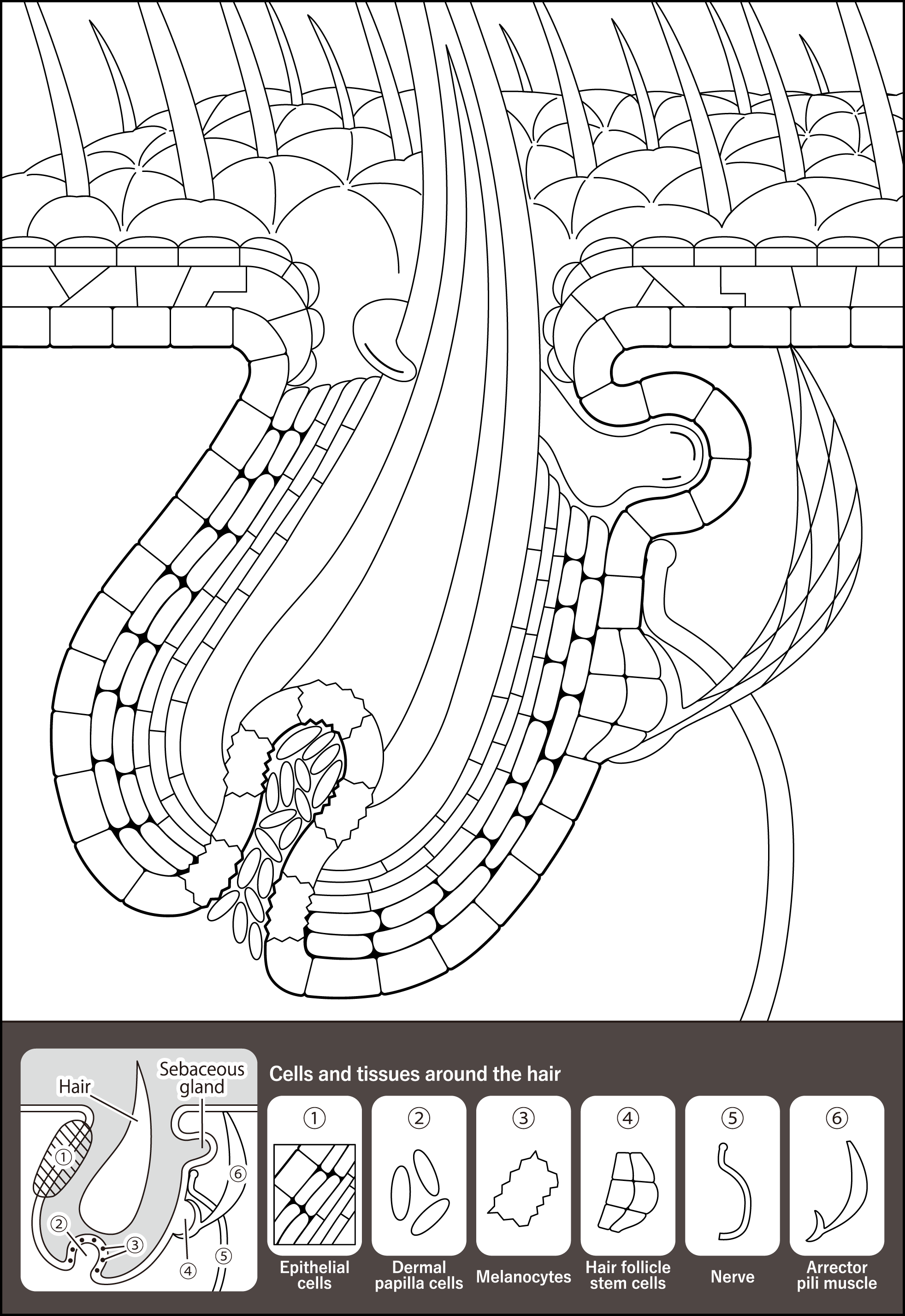
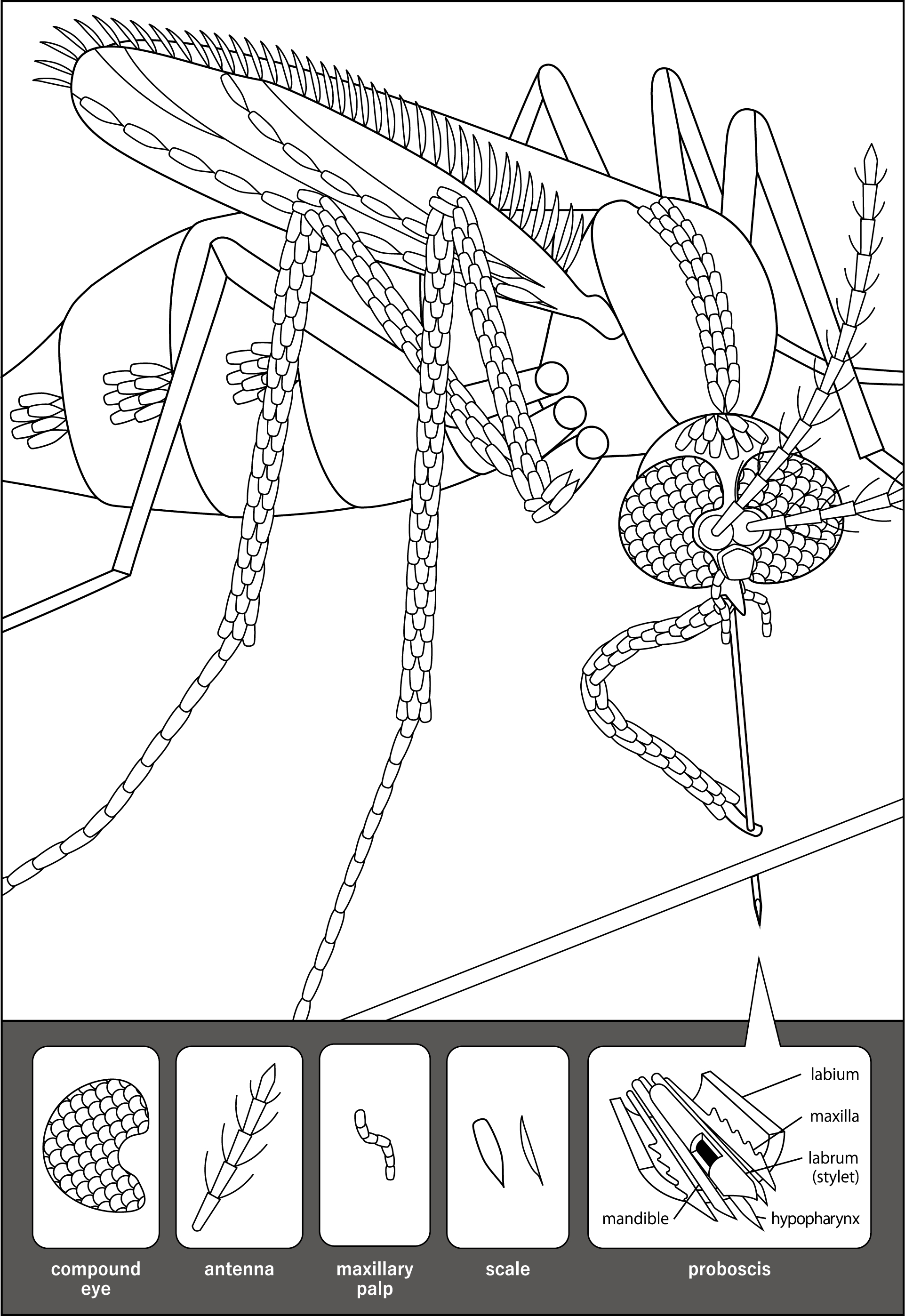
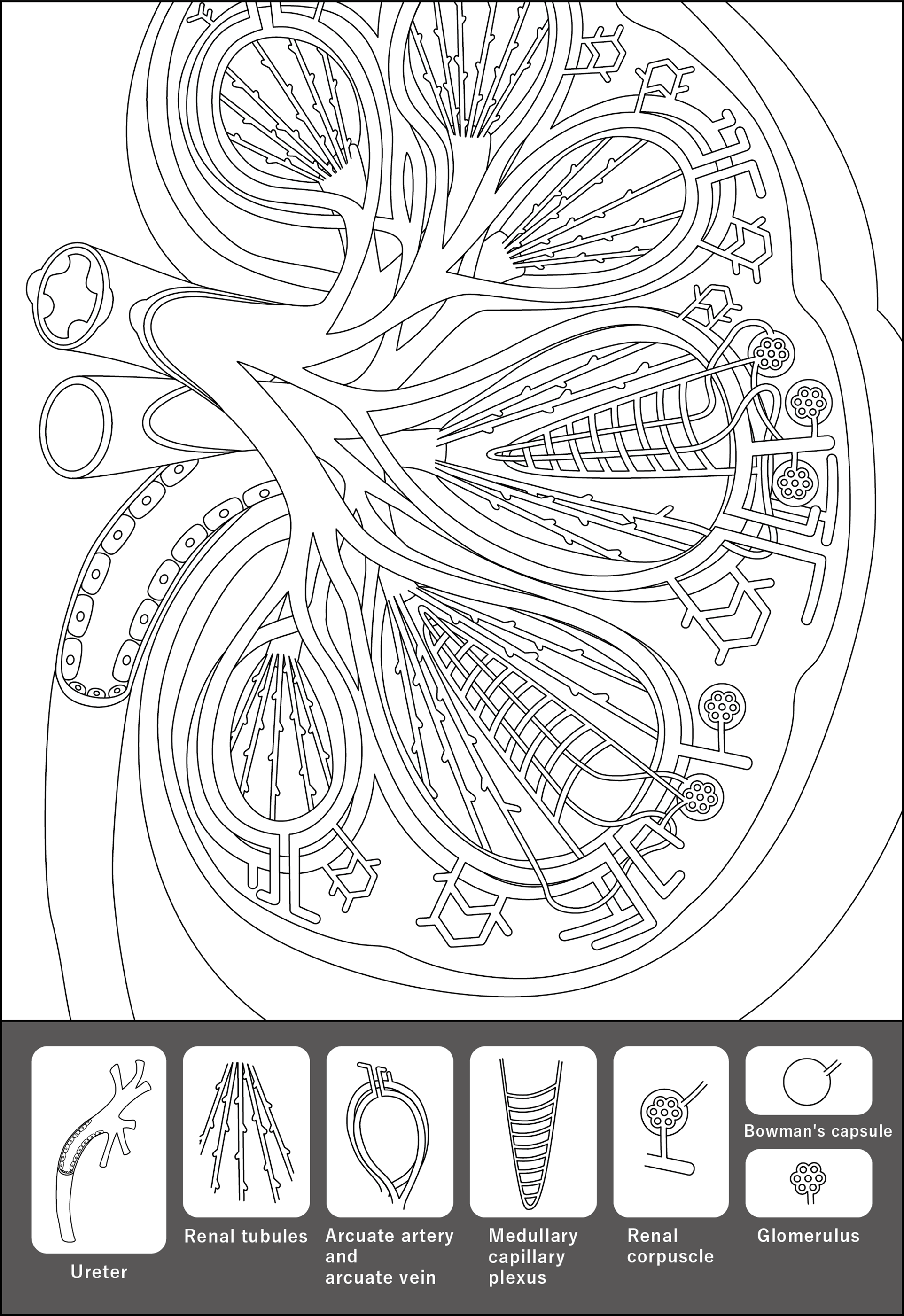
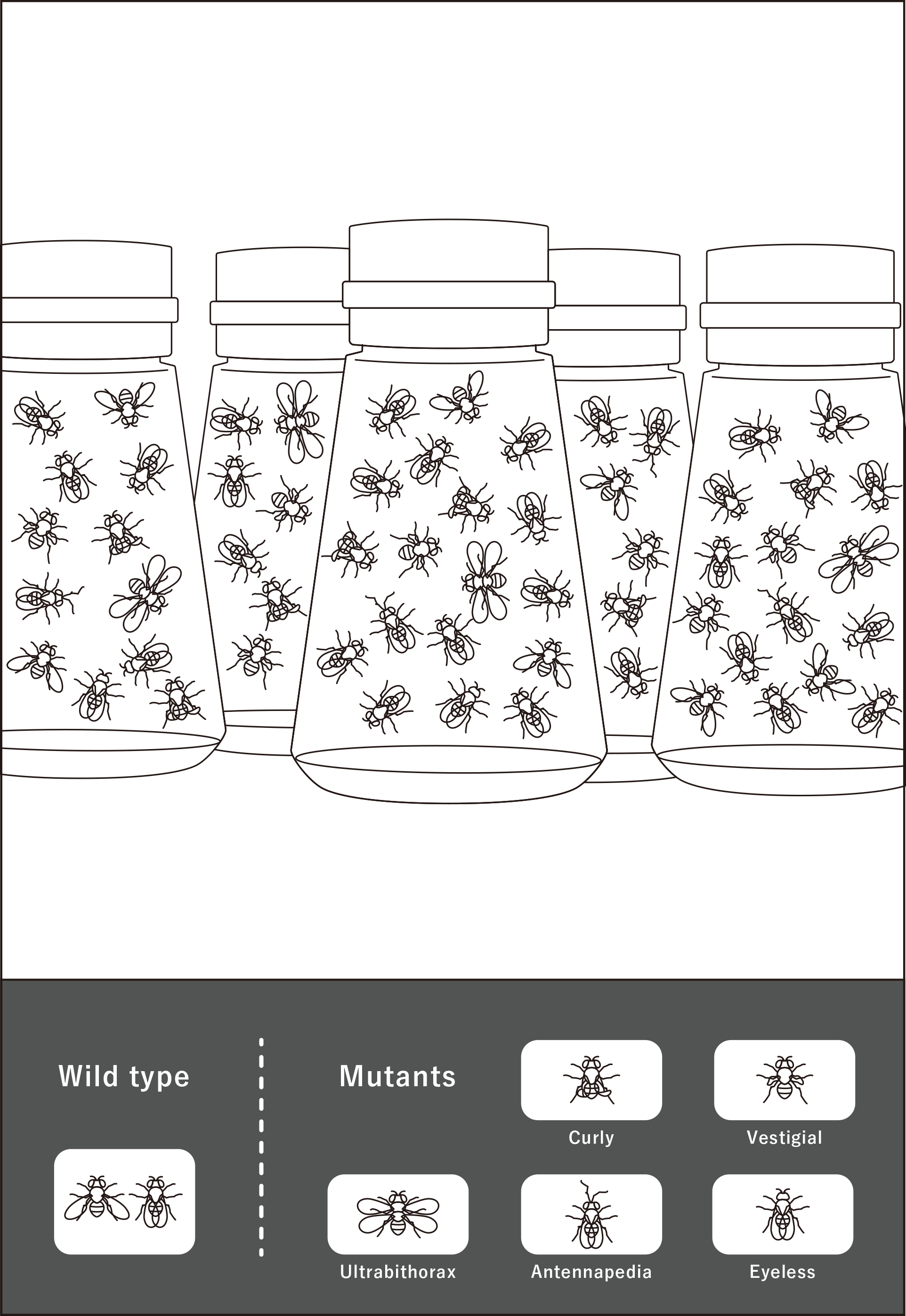
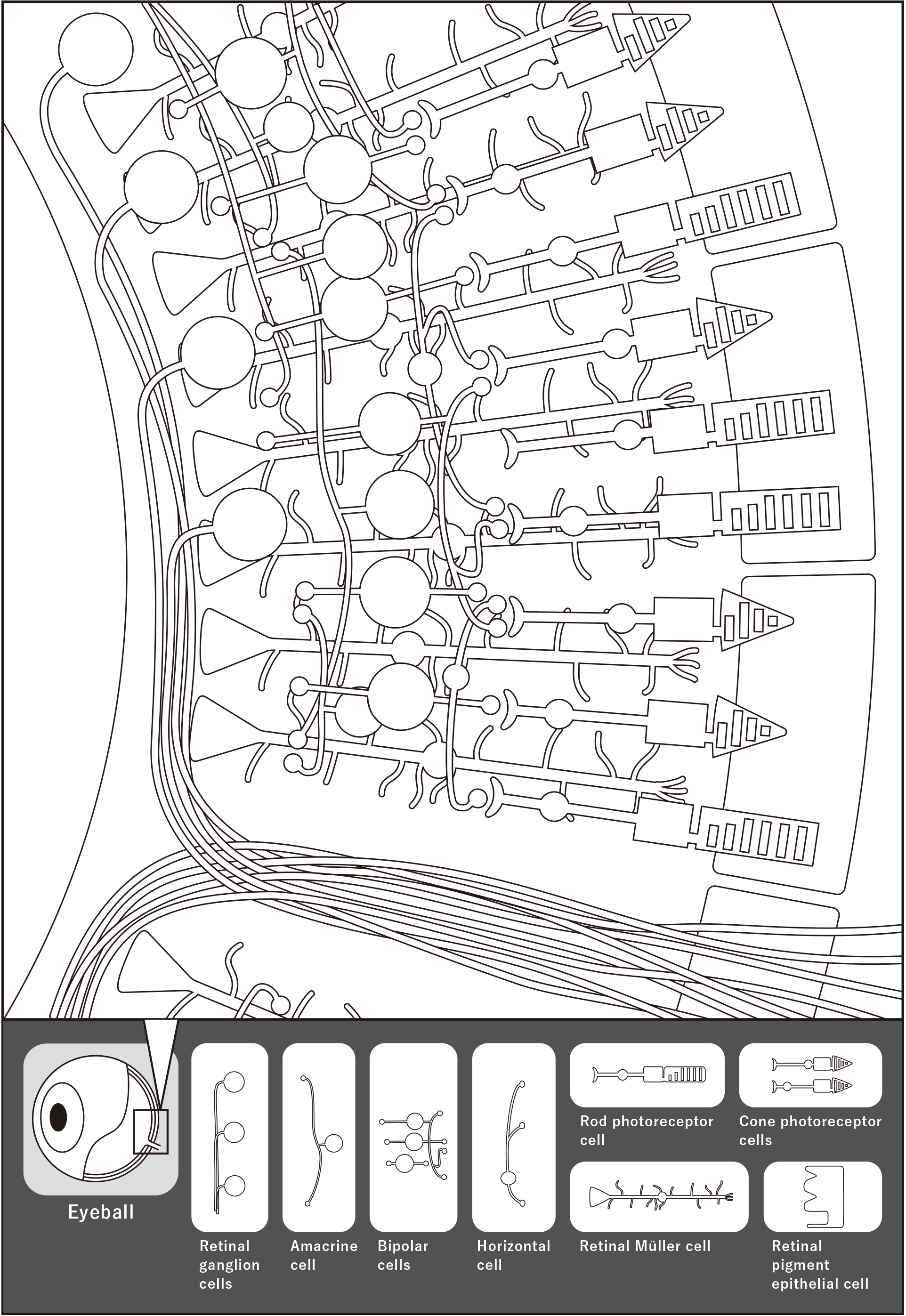
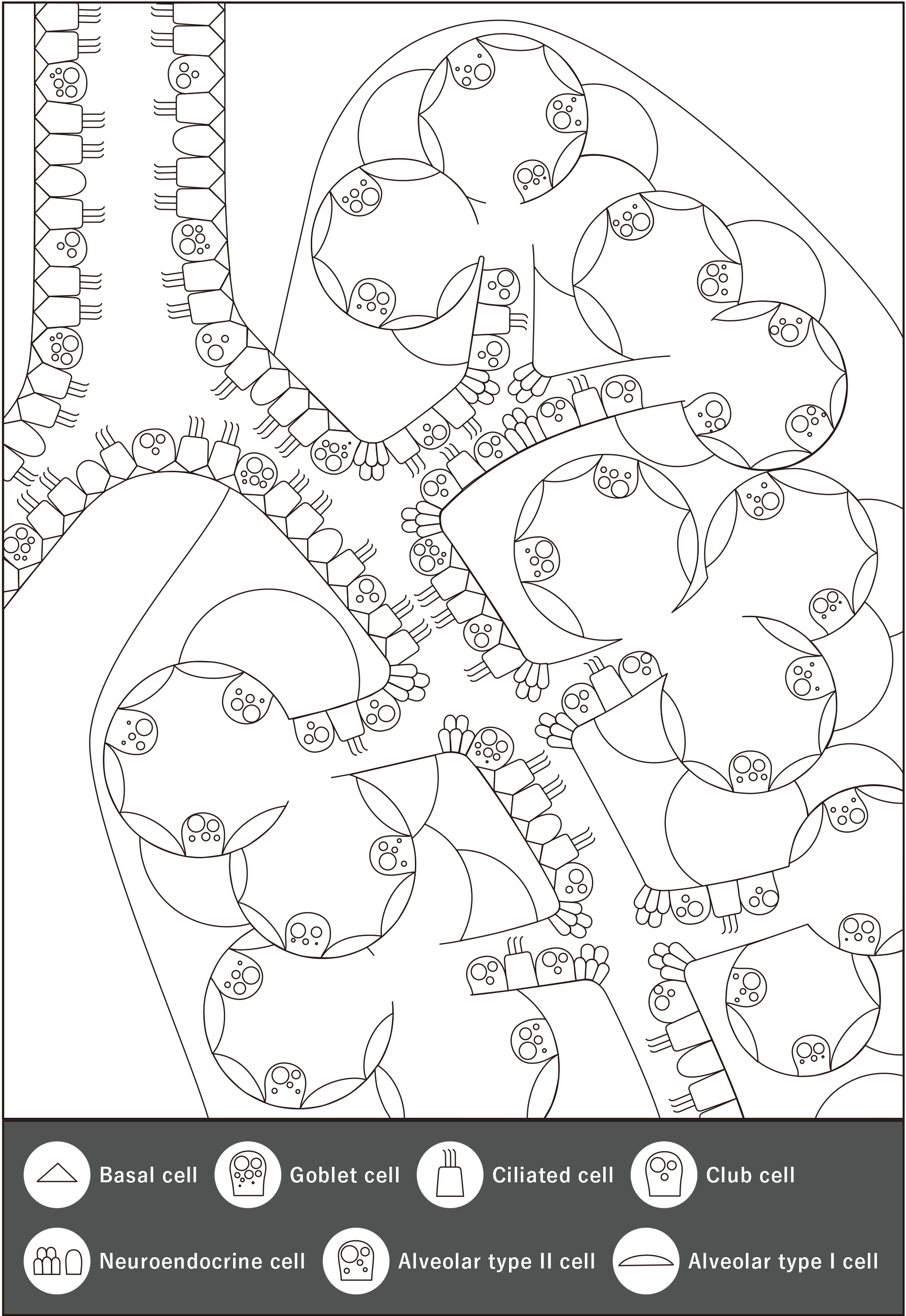
Calling for submissions for the 7th Ikimon Coloring Contest! Enter the contest by coloring the "Heart" coloring page.
Go to the Ikimon Coloring Contest webpage for more information. Contest closes November 8, 2026!

*SNS

How to play

  • 1
    Select a coloring page!

    Select a coloring page!

  • 2
    Select whether to color online or to print and color!

    Select whether to color online or to print and color!

If coloring online

  • Select coloring mode!

    Easy mode: Enjoy coloring the picture with fewer clicks (taps).

    Normal mode: Color each area in any color you choose.

  • Easy mode: Enjoy coloring the picture with fewer clicks (taps).
    Normal mode: Color each area in any color you choose.
  • Choose a color from the palette or with the color picker, and click (tap) the area you want to color
  • To use the color picker, move the circle along the color bar on the right to choose a color, and move the circle in the box next to the bar to select the intensity or brightness of the color.
  • To erase a color in a specific area, choose the ‘Eraser’ and click (tap) on that area. You can also click the ‘Undo’ button to erase the color in the last area you colored.
  • When you are finished coloring, click the ‘Complete’ button! You can save (download) the data of the completed colored picture.
  • Share your colored picture by posting your saved picture to Twitter using the hashtag #IkimonColoring!

If printing out and coloring

  • Print the PDF file using your home printer!
  • Have fun coloring with crayons, colored pencils, paints, or any other coloring material you like!
Close